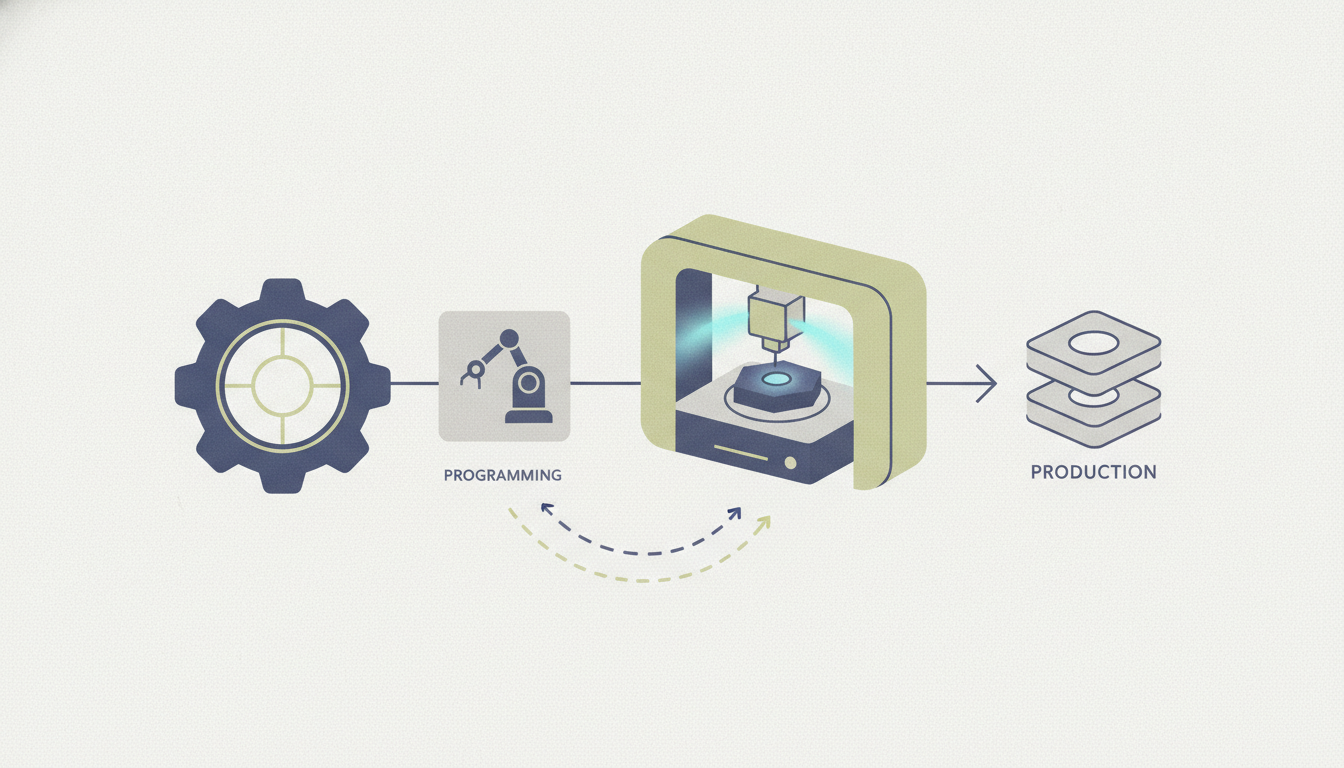
Imagine a machine that can carve intricate parts from metal with precision down to a hair’s width,all controlled by code. That’s CNC machining. Yet many people hear “CNC” and picture a noisy factory floor, but they don’t actually understand what it is, how it works, or why it’s used. If you’re a student curious about manufacturing, a hobbyist wanting to make custom parts, or an entrepreneur evaluating production methods, this confusion stops you from leveraging one of the most powerful technologies in modern industry. By the end of this guide, you’ll know exactly what CNC machining is, how it works step by step, its key components and types, common materials you can machine, and the fundamental process to create a part. You’ll also understand the benefits and limitations, so you can decide if CNC is right for your project. Let’s demystify CNC machining, starting from the very basics.
What is CNC Machining? Definition and Core Concept
CNC stands for Computer Numerical Control. At its core, CNC machining is a subtractive manufacturing process where pre-programmed computer software dictates the movement of factory tools and machinery. The code (typically G-code) controls everything from spindle speed and feed rate to the path of the cutting tool. This automation replaces manual hand-wheels and levers, allowing machines to produce parts with extreme accuracy and repeatability.
The term “numerical control” has a rich history. In the 1940s and 1950s, machinists first used punched tape to control machine movements. Today, modern CNC systems use powerful microprocessors and sophisticated software, but the principle remains the same: a series of numbers and letters instructs the machine exactly where to go and what to do.
How CNC Machining Differs from Manual Machining
Imagine a skilled machinist operating a manual lathe. They watch a dial, turn a handwheel by feel, and make constant adjustments based on their experience. The result can be excellent,but it’s only as good as that operator’s skill on that day. Manual machining relies entirely on human dexterity, judgment, and consistency. Every part is somewhat unique, and errors can creep in from fatigue, distraction, or slight variations in technique.
CNC machining, by contrast, removes the human from the direct control loop. Once the program is loaded and the machine is set up, the tool follows the same path every single time. A CNC mill can produce a thousand identical parts to within ±0.005 mm (0.0002 inches) without slowing down. This repeatability is a game-changer for production runs. While manual machining still has a place for one-off repairs or low-volume custom work, CNC is the backbone of modern manufacturing because it delivers precision at scale.
In a nutshell: manual machining is art; CNC machining is science with repeatability built in. The key benefit is automation,a CNC machine can run lights-out, unsupervised, for hours or even days, dramatically lowering labor costs and increasing throughput.
How Does CNC Machining Work? Step-by-Step Process
Understanding the full workflow helps you appreciate why CNC is so powerful. While the actual software steps can be complex, the fundamental procedure is straightforward.
Step 1: Design a CAD model
Everything starts with a 3D model created in Computer-Aided Design (CAD) software like SolidWorks, Fusion 360, or FreeCAD. You define the geometry, dimensions, tolerances, and surface finishes. This digital part is your blueprint.
Step 2: Convert CAD to CAM
The CAD model is transferred to Computer-Aided Manufacturing (CAM) software. Here, you select machining strategies for each feature,roughing passes, finishing passes, drilling cycles, and so on. The CAM software then generates toolpaths: the exact routes the cutting tool will take to remove material.
Step 3: Post-process to create G-code
A post-processor inside the CAM software translates those toolpaths into G-code,the language your specific CNC machine controller understands. G-code is a plain-text file containing lines of commands like G01 X10 Y5 F200 (linear move to X=10, Y=5 at feed rate 200 mm/min) and M03 S5000 (spindle on clockwise at 5000 RPM).
Step 4: Set up the machine
Before running the program, the operator must physically prepare the CNC machine. This includes:
- Mounting the workpiece securely on the table or in a chuck.
- Installing the correct cutting tools (end mills, drills, inserts) in holders.
- Touching off tools to establish zero points (work offsets).
- Loading the G-code program into the machine’s control unit.
Step 5: Run the program
Once everything is verified, the operator presses “Cycle Start.” The machine automatically moves through all the commands, cutting the part layer by layer. Modern machines can change tools automatically (via an automatic tool changer, ATC) and even adjust speeds and feeds on the fly based on sensor feedback.
Understanding G-Code and M-Code
G-code (geometric code) controls motion and positioning. Common examples:
- G00 – rapid positioning
- G01 – linear interpolation (machining in a straight line)
- G02 / G03 – circular interpolation clockwise / counterclockwise
M-code (miscellaneous code) controls auxiliary machine functions:
- M03 – spindle on clockwise
- M05 – spindle stop
- M08 – coolant on
- M30 – program end and rewind
Programming basics are easy to learn with practice. Many modern CAM systems handle G-code generation invisibly, but understanding the fundamentals helps you troubleshoot errors and optimize toolpaths.
Key Components of a CNC Machine
Every CNC machine shares a common set of structural and functional parts. Knowing them helps you evaluate a machine’s capability and maintain it properly.
Machine frame and base – The foundation. Rigidity is critical: a flimsy frame vibrates during cutting, reducing accuracy and surface finish. Heavy cast iron or welded steel construction dampens vibrations.
Spindle – The rotating component that holds the cutting tool. Spindle speed (measured in RPM) and power (horsepower or kW) determine what materials you can cut and at what rate. Modern spindles can run from 5,000 to 30,000 RPM. The taper (e.g., BT30, CAT40, HSK) defines tool holder compatibility.
Axes and linear guides – Most CNC machines move along three primary axes: X (left-right), Y (front-back), and Z (up-down). More advanced machines add rotational axes (A, B, C). Linear guides (ball screws, rails) provide smooth, precise motion. Servo motors or stepper motors drive each axis under the control unit’s commands.
Control unit – This is the brain. It reads the G-code file, interprets the commands, and sends electrical signals to the servo motors. Modern controllers offer features like look-ahead, which pre-calculates upcoming toolpath changes to maintain constant feed rate, and adaptive feed control, which adjusts speed based on spindle load.
Tool changer and cutting tools – An automatic tool changer (ATC) holds multiple tools in a carousel or chain. The machine can swap tools during the program without operator intervention,essential for complex parts requiring several different operations. Cutting tools include end mills (for slots and profiles), ball nose mills (for 3D contours), drills, taps, and face mills. The tool holder (collet chuck, hydraulic chuck, etc.) ensures the tool is held concentric.
| Component | Function | Key Consideration |
|---|---|---|
| Frame & Base | Provide structural rigidity | Material, weight, vibration damping |
| Spindle | Rotate the cutting tool at required speed | Speed range, power, taper type |
| Axes & Drives | Move tool/workpiece in X, Y, Z (and rotational) | Number of axes, accuracy, repeatability |
| Control Unit | Interpret G-code and control motors | Look‑ahead, adaptive control, ease of programming |
| Tool Changer | Automatically swap tools for multi‑operation parts | Number of pockets, change speed, compatibility |
Types of CNC Machines (With Applications)
CNC machines come in many forms, each optimized for specific geometries and materials.
CNC Mills – The most common type. Vertical mills have a spindle that moves up and down; horizontal mills have a spindle parallel to the floor. 5‑axis mills can rotate the workpiece or tool along two additional axes, allowing complex organic shapes (e.g., turbine blades, molds) to be machined in a single setup. Applications range from aerospace components to custom automotive parts.
CNC Lathes – The workpiece rotates while a stationary cutting tool shapes it. Perfect for cylindrical parts like shafts, bushings, and fittings. Modern lathes can have live tooling (milling capability) and sub‑spindles for complete machining in one operation.
CNC Routers – Typically used for wood, plastics, soft metals (aluminum), and composites. They have a gantry-style design and are often less rigid than mills, but they cover large workspaces at lower cost. Ideal for cabinet making, sign making, and hobby prototyping.
CNC Plasma Cutters, Laser Cutters, and Waterjet Machines – These use a torch (plasma), laser beam, or high‑pressure water with abrasives to cut sheet metal or plate. They excel at flat-profile cutting with minimal heat‑affected zone (waterjet) or fast speed (laser). Laser cutting vs CNC milling: Lasers are best for thin sections and intricate shapes in sheet metal; mills handle thicker materials and 3D features.
Multi‑tasking Machines – Combine turning, milling, drilling, and sometimes grinding in one machine. Swiss‑type lathes (sliding headstock) are used for small, complex parts in medical devices and electronics.
| Machine Type | Primary Application | Typical Materials | Advantages |
|---|---|---|---|
| CNC Mill | 3D prismatic parts, molds, aerospace | Metals, plastics | Complex geometry, high precision |
| CNC Lathe | Cylindrical parts, shafts, fittings | Metals, plastics | Fast material removal, excellent roundness |
| CNC Router | Large sheets, wood, plastics, soft metals | Wood, composites, aluminum | Large work envelope, lower cost |
| Plasma/Laser/Waterjet | Flat profile cutting of sheet/plate | Steel, stainless, aluminum, stone | Speed (laser), no heat (waterjet) |
Common Materials Used in CNC Machining
CNC can cut almost any solid material, but some are easier (and cheaper) to machine than others.
Metals – Aluminum (6061 and 7075 grades) is the most beginner-friendly metal: good machinability, low cost, and excellent strength-to-weight ratio. Steel (1018 mild, 4140 alloy) is stronger but tougher on tools. Stainless steels (304, 316) are notorious for work-hardening, requiring sharp tools and careful feeds. Titanium is strong and corrosion-resistant but machines slowly; brass and copper machine beautifully but cost more.
Plastics – ABS and nylon are common for functional prototypes; Delrin (acetal) is stiff and has low friction; acrylic is brittle but can be polished to transparency; PEEK is high‑performance for demanding applications (aerospace, medical). When machining plastics, sharp tools and proper chip evacuation prevent melting.
Wood and composites – Plywood, MDF, and hardwoods are mainstays for routers. Carbon fiber composites require specialized tooling to avoid delamination. Machinability ratings help: aluminum is rated 90% (excellent), stainless 304 about 45% (fair), and titanium about 30% (poor while still possible).
Selecting the Right Material – Consider mechanical properties (strength, stiffness, toughness), thermal stability, surface finish requirements, and cost. For example, 7075 aluminum offers higher strength than 6061 but is more expensive and slightly harder to machine. Always check if your machine has enough spindle power and torque for the material,a desktop CNC router might struggle with 4140 steel.
Benefits and Limitations of CNC Machining
Benefits
- High precision and repeatability – Tolerances of ±0.005 mm are routine; some machines achieve ±0.001 mm. This reliability is why aerospace, medical, and automotive industries rely on CNC.
- Automation – Once the program is set, one operator can run multiple machines. Lights-out manufacturing is possible, dramatically increasing output per labor hour.
- Scalability – The same program that made one prototype can make 10,000 identical parts. No re‑qualification needed.
- Complex geometries – 5‑axis machining enables undercuts, compound angles, and organic surfaces that would be impossible manually.
- Consistent quality – Every part matches the CAD model within tolerance, reducing scrap and rework.
Limitations
- Initial cost – A decent industrial mill can cost ₹15–50 lakh ($20k–$70k); even a hobby machine is ₹1–3 lakh. Programming software adds cost.
- Setup time – Preparing fixtures, tools, and offsets can take hours. For a single part, manual machining may be faster.
- Material waste – CNC is subtractive; you often start with a larger block and cut away up to 80% of the material. For expensive alloys, this waste is significant.
- Skilled labor needed – Writing efficient G‑code and setting up machines requires training. Operator errors can crash the machine, causing expensive damage.
- CNC vs 3D printing – Additive manufacturing (3D printing) wastes less material and can create internal lattice structures, but surfaces are rougher and materials are often limited to plastics or specific metals. CNC wins for strength, precision, and surface finish.
According to a 2025 industry report, the global CNC machine market is projected to grow at a CAGR of 6.4% through 2030, driven by automation demand in aerospace and automotive. Nearly 70% of manufactured metal parts currently involve CNC machining at some stage.
Frequently Asked Questions (FAQ)
1. Can a beginner learn CNC machining at home?
Yes. Many hobbyists start with a desktop CNC router (like the Shapeoko or X‑Carve) and free CAD/CAM software (Fusion 360 for personal use). Online tutorials and communities make the learning curve achievable, but expect several months to become proficient.
2. What is the difference between a 3‑axis and a 5‑axis CNC machine?
A 3‑axis machine moves the cutting tool along X, Y, and Z only. It can produce most prismatic shapes, but requires multiple setups for complex parts (e.g., flipping the workpiece). A 5‑axis machine adds two rotational axes, allowing the tool to approach the material from any angle. This reduces setups, improves surface finish, and enables complex geometries like turbine blades.
3. How much does CNC machining cost per part?
Cost depends on material, part complexity, quantity, and machine hourly rate. For example, a simple aluminum bracket (100 parts) might cost ₹150–300 per part, while a titanium aerospace component (one‑off) could cost ₹5,000 or more. Setup time and programming are typically charged separately.
4. Do I need to know programming to operate a CNC machine?
Not necessarily. Many modern CAM systems generate G‑code automatically from your CAD model. However, understanding the basics helps you troubleshoot errors, optimize speeds and feeds, and manually adjust programs when needed. It’s a valuable skill.
5. What materials cannot be CNC machined?
Very hard materials like diamond or hardened tool steels above 65 HRC require specialized machines and tools (grinding or EDM). Brittle materials like glass or ceramics are difficult to machine conventionally; they are often cut with lasers or waterjets. Elastomers (rubber) tend to deform and clog cutters unless specially processed.
Conclusion
CNC machining is a subtractive manufacturing process that uses computer-controlled tools to produce precise parts from various materials. Its repeatability, automation, and ability to create complex geometries make it indispensable in industries from aerospace to medical devices. By understanding the key components,frame, spindle, axes, control unit,and the step‑by‑step workflow from CAD to finished part, you are now equipped to evaluate CNC for your own projects. Remember the trade‑offs: high precision and scalability come with upfront cost and material waste. For beginners, starting with a small mill or router and free CAM software is the most practical path. As you move forward, explore advanced topics like multi‑axis toolpath strategies, adaptive machining, and tool selection to further improve your results.
Ready to dive deeper? Check out our advanced guide on CNC programming or explore our curated list of best CNC machines for beginners in 2026.
Written with LLaMaRush ❤️