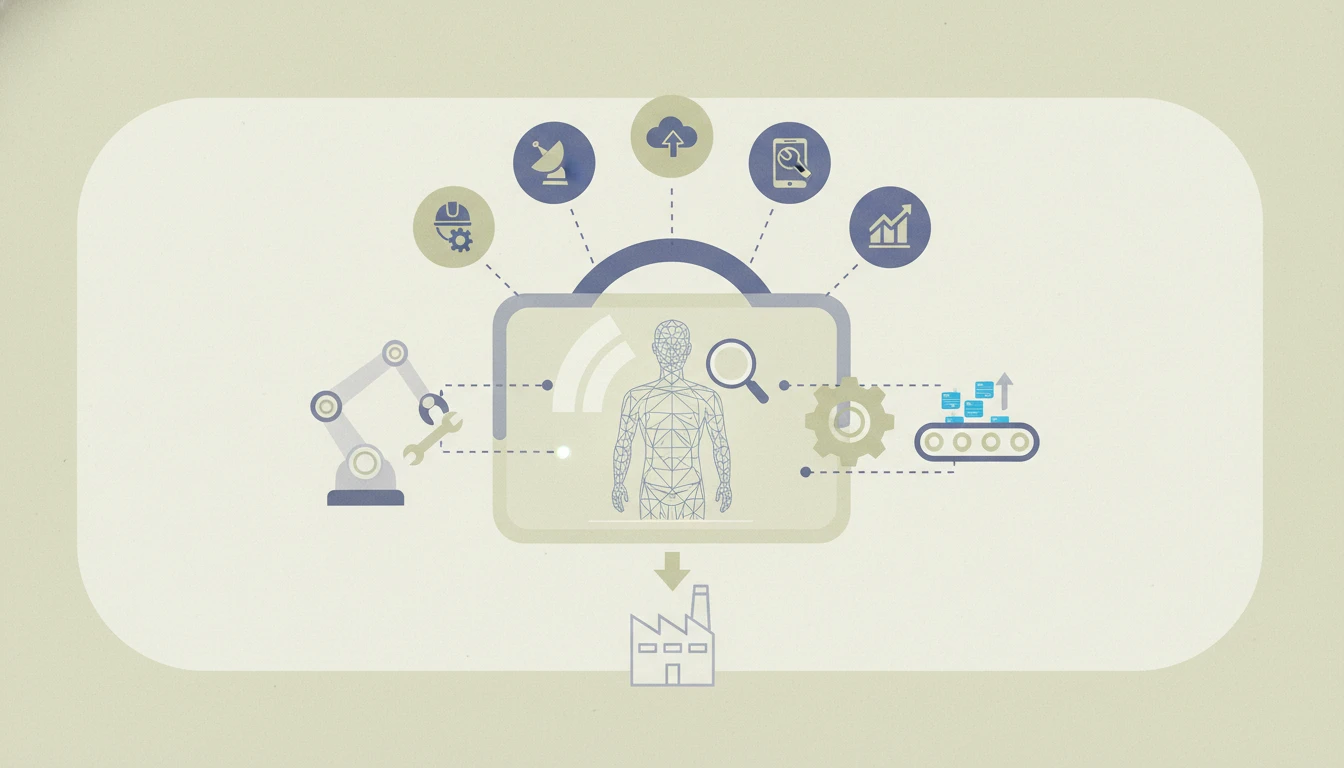
Imagine a critical machine on your assembly line goes down. Every minute of downtime costs thousands. Instead of waiting days for a specialized technician to fly in, an on-site worker dons smart glasses. Instantly, an expert engineer from another continent sees through their eyes, annotates the real-world view with floating arrows and digital schematics, and guides them through the repair in real-time. The machine is back online in hours, not days. This isn'tt science fiction; it's the power of AR remote assistance transforming manufacturing today.
Manufacturing operations are plagued by costly delays and inefficiencies rooted in the physical gap between problems and expertise. Troubleshooting complex machinery, training new operators, or ensuring quality control often requires specialists to be on-site, leading to travel expenses, scheduling nightmares, and prolonged downtime. This traditional model is unsustainable in a competitive, globalized landscape.
This comprehensive guide cuts through the hype to provide a practical analysis. You will learn exactly what AR remote assistance is, the tangible benefits it delivers, and receive a detailed review of seven proven tools poised to lead the market. By the end, you'll have a clear framework to select and implement the right solution to slash costs, boost productivity, and future-proof your operations.
What is AR Remote Assistance and Why It's Crucial for Manufacturing
In an industry where precision, speed, and expertise are paramount, any barrier to information flow creates bottlenecks. AR remote assistance demolishes these barriers by merging the physical and digital worlds, enabling instant collaboration regardless of location.
Understanding AR Remote Assistance
At its core, AR remote assistance is a technology that uses augmented reality to overlay digital information,such as annotations, images, manuals, or 3D models,onto a live video feed of a real-world environment. This shared visual context is the game-changer. It allows a remote expert to see exactly what a frontline worker sees. Using tools like digital drawing (often called "laser pointers" or "annotations"), document sharing, and screen capture, the expert can guide the worker through complex tasks with unprecedented clarity.
The "assistance" happens through a software platform accessible on various devices: rugged tablets, smartphones, or, most effectively, AR smart glasses like Microsoft HoloLens or RealWear. These hands-free devices allow the worker to perform tasks while receiving visual instructions overlaid directly onto the machinery they are fixing, assembling, or inspecting.
Key Benefits for Manufacturing Operations
The impact on manufacturing efficiency is profound and measurable.
- Drastically Reduced Downtime: This is the most significant benefit. A 2025 study by the Augmented Reality for Enterprise Alliance (AREA) found that AR remote assistance reduced average equipment repair time by 40-60%. Instead of describing a problem over a blurry phone video or waiting for travel, experts diagnose and resolve issues in the first session.
- Substantial Cost Savings: Slashing downtime directly boosts the bottom line. Furthermore, companies dramatically cut travel costs for specialists. A global automotive manufacturer reported saving over $500,000 annually in travel and lodging after implementing an AR remote assistance platform across its 30+ plants.
- Enhanced First-Time Fix Rates & Error Reduction: Visual guidance minimizes misinterpretation. When a worker sees a glowing arrow pointing to the exact bolt to tighten or a digital overlay showing the correct wire connection, errors plummet. This leads to higher quality outputs, fewer callbacks, and less waste.
- Improved Knowledge Transfer & Training: Capturing expert sessions creates a powerful library of standardized procedures. New hires can learn complex assembly or maintenance by replaying annotated, expert-led sessions, accelerating onboarding and preserving tribal knowledge as seasoned workers retire.
Real-World Use Cases in Manufacturing
This technology isn't theoretical; it's solving concrete problems daily.
- Remote Machine Repair and Maintenance: A technician in a remote mining site uses smart glasses to connect with an engineer at headquarters. The expert overlays the machine's 3D CAD model onto the live view, highlights a faulty sensor, and guides the replacement step-by-step, avoiding a two-week shutdown.
- Virtual Training and Onboarding: New assembly line workers use AR tutorials on tablets. As they approach a workstation, digital animations show the precise sequence and torque for each step, improving speed and accuracy from day one.
- Assembly Line Support and Quality Control: A quality inspector wears glasses while checking a complex weld. The system recognizes the part via AI and superimposes the acceptance criteria and tolerance zones. Any deviation is flagged immediately and can be shared with the production engineer for instant feedback.
- Efficient Factory Audits and Layout Planning: A plant manager walking the floor can stream their view to a remote planning team. Together, they can digitally "place" new equipment into the live space to plan layouts, ensuring optimal workflow before any physical changes are made.
Criteria for Evaluating AR Remote Assistance Tools
With a crowded market of solutions, choosing the right tool is critical. The best fit depends on your specific operational needs, existing tech stack, and workforce. Here are the essential criteria to evaluate any AR remote assistance platform.
User Interface and Experience
If the tool isn't intuitive, it won't be used. Technicians and engineers are focused on solving problems, not learning complex software. The ideal platform has:
* A simple, clean interface with large buttons and minimal menus for use in high-stress, hands-on environments.
* One-click connectivity to start a support session without complicated logins or room codes.
* Intuitive annotation tools that feel natural for the remote expert to use.
* Seamless switching between devices (e.g., starting on a tablet, continuing on glasses) without losing session context.
Security and Data Privacy
In industrial settings, you're potentially streaming live footage of proprietary processes, machinery, and facilities. Security is non-negotiable.
* End-to-end encryption (E2EE) for all video, audio, and data streams.
* Compliance with industry standards like ISO 27001, SOC 2, and GDPR.
* On-premises or hybrid deployment options for companies that cannot use public cloud services for sensitive data.
* Robust user access controls and session logging to maintain an audit trail of all assistance provided.
Compatibility with Manufacturing Ecosystems
An AR tool shouldn't be an island. Its value multiplies when integrated with your existing digital backbone.
* IoT Integration: Ability to pull real-time sensor data (temperature, pressure, vibration) from machines and display it as an overlay during a support call for richer diagnostics.
* ERP/MES/CMMS Connectivity: Sessions should be linkable to work orders in systems like SAP, and resolved issues should be able to trigger updates in maintenance management software (e.g., UpKeep, Fiix).
* CAD/PLM Integration: Direct import of 3D models and schematics from tools like SolidWorks or Siemens Teamcenter for accurate visual guidance.
In-Depth Review of Top 7 AR Remote Assistance Tools
Based on market trajectory, feature development, and industry adoption, here are seven platforms that are shaping the future of AR remote assistance in manufacturing.
Tool 1: Guideware Pro - Overview and Strengths
Guideware Pro has established itself as an enterprise powerhouse. Its core strength lies in robust manufacturing applications for large-scale, complex factories. It excels in environments with extensive legacy machinery and stringent compliance needs. The platform offers deep integration with major IoT protocols and ERP systems, allowing contextual data to flow seamlessly into support sessions. While its pricing is at the premium end, its cost-effectiveness becomes clear for organizations with high downtime costs, as it focuses on maximizing mean time between failures (MTBF) and minimizing mean time to repair (MTTR). Its analytics dashboard provides unparalleled insights into support efficiency and common failure points.
Tool 2: AssistAR Flow - Focus on Ease of Use
AssistAR Flow lives up to its name by prioritizing a frictionless user experience. Its interface is remarkably clean, built around a "see-what-I-see" video call with annotation tools that feel instinctive. This makes it ideal for SMEs or manufacturing startups that need to deploy quickly without extensive IT training. Technicians can be onboarded in under 30 minutes. It works exceptionally well on consumer-grade tablets and smartphones, lowering the barrier to entry. While it may lack some of the deep ecosystem integrations of larger platforms, its simplicity, reliability, and competitive subscription pricing make it a top contender for companies taking their first step into AR-enabled support.
Tool 3: Synapse XR Platform - Advanced Features and Integration
Synapse XR Platform is for the tech-forward manufacturer. It distinguishes itself with advanced AI capabilities and IoT integration. Its computer vision can automatically identify machine parts from a video feed and pull up the relevant manual. It integrates sensor data to provide predictive insights during a call,imagine an expert seeing a live overlay of a motor's vibration analysis while guiding an inspection. It's built for complex operations like pharmaceutical manufacturing or aerospace, where procedures are critical and traceability is mandatory. Its session recordings are automatically tagged with AI-generated keywords, creating a searchable knowledge base.
Tool 4: Vizible Value Suite - Cost and Value Proposition
Vizible Value Suite adopts a modular, tiered pricing strategy that appeals to budget-conscious operations. Its entry-level tier offers core calling and annotation features, perfect for small teams. Higher tiers unlock advanced analytics, workflow integrations, and dedicated support. Its ROI potential is clearly articulated with built-in tools to track metrics like reduced travel and faster resolution times. They offer compelling pilot programs that allow you to test the platform in a single facility or with a specific team, proving value before a full-scale commitment. For manufacturers who need to justify every software expenditure with clear financial returns, Vizible provides the necessary tools and transparency.
Tool 5: SecureSight Industrial - Security and Compliance
In industries like defense, automotive, or energy, data protection is the primary concern. SecureSight Industrial is engineered from the ground up for this environment. It offers air-gapped, on-premises deployment as a standard option, ensuring no data ever leaves your network. It boasts certifications like FedRAMP authorization and meets ITAR compliance requirements. Every data packet is encrypted, and sessions can be configured to leave no persistent recording on local devices if needed. While its feature set is purposefully streamlined to reduce attack surfaces, its uncompromising focus on security and compliance makes it the default choice for highly regulated manufacturing sectors.
Tool 6: Scalable AR Core - Scalability and Support
Scalable AR Core is designed to grow with your business. Its architecture allows you to start with ten users in one plant and seamlessly expand to thousands across global operations without performance degradation. A key differentiator is its robust customer service and developer support. They offer extensive API documentation and developer kits, enabling you to build custom integrations tailored to your unique processes. Their training programs are comprehensive, including train-the-trainer certifications. For large, decentralized manufacturing organizations planning a phased, global rollout, Scalable AR Core provides the infrastructure and support to ensure consistent, successful adoption at every stage.
Tool 7: Horizon Nexus - Innovation and Future-Proofing
Horizon Nexus is at the bleeding edge of AR/VR convergence. It goes beyond standard 3D model overlays to allow remote experts to join a session in a fully immersive VR environment that is a digital twin of the factory floor. They can "walk" around the virtual machine, manipulate digital parts, and demonstrate procedures in a shared virtual space with the on-site worker. This is particularly powerful for planning hazardous maintenance or training for rare but critical scenarios. Their platform is built on open standards and is highly adaptable, clearly positioned to incorporate future trends like spatial computing and advanced digital twins. For manufacturers investing in the factory of the future, Horizon Nexus offers a path beyond today's remote assistance.
Comparison Table and Key Insights
To help visualize the differences, here is a side-by-side comparison of the reviewed tools based on critical evaluation criteria.
| Feature / Tool | Best For | Key Strength | Integration Depth | Pricing Model | Ideal Use Case |
|---|---|---|---|---|---|
| Guideware Pro | Large Enterprises | Ecosystem Integration | High (ERP, IoT, CAD) | Enterprise Quote | Complex, multi-plant remote maintenance |
| AssistAR Flow | SMEs & Startups | Ease of Use & Adoption | Medium (API-driven) | Per-user Subscription | Quick-deploy support for field technicians |
| Synapse XR Platform | Tech-Forward Manufacturers | AI & Advanced Analytics | Very High (IoT, AI, PLM) | Tiered Subscription | Predictive maintenance & complex assembly |
| Vizible Value Suite | Cost-Conscious Operations | Clear ROI & Value Tiers | Medium | Modular Tiered Pricing | Piloting AR and departmental rollouts |
| SecureSight Industrial | Regulated Industries (Defense, Energy) | Security & Compliance | Focused (On-prem focus) | Perpetual License / Subscription | Secure, on-premises remote assistance |
| Scalable AR Core | Global, Growing Companies | Scalability & Support | High (Extensive APIs) | Volume-based Quote | Global, phased implementation across sites |
| Horizon Nexus | Innovation Leaders | AR/VR Convergence & Future Tech | Emerging (Digital Twin focus) | Premium Subscription | Immersive training & virtual factory planning |
Recommendations for Different Use Cases
Choosing the best AR tool for your factory depends on your primary challenge:
- For Routine Remote Maintenance & Quick Fixes: AssistAR Flow or the entry tier of Vizible Value Suite offer the fastest path to value with minimal complexity.
- For Data-Driven, Complex Problem-Solving: Synapse XR Platform or Guideware Pro are superior, as they bring contextual machine data and deep procedures into the session.
- For a Secure, Compliant Environment: SecureSight Industrial is the unequivocal choice for any operation where data sovereignty is paramount.
- For Large-Scale, Global Deployment: Scalable AR Core is built for this journey, ensuring consistency and support as you grow.
- For Cutting-Edge Training & Digital Twins: Look to Horizon Nexus to build a foundational platform for the next decade of immersive industry.
Implementing AR Remote Assistance: Best Practices
Technology is only part of the solution. Successful adoption requires careful planning and change management.
Planning and Pilot Phase
Don't boil the ocean. Start with a clearly defined pilot.
1. Identify a High-Impact, Contained Use Case: Choose a recurring problem with a measurable cost, like a specific machine's monthly maintenance, or a training module for a new product line.
2. Select a Champion Team: Recruit a small group of tech-savvy and respected technicians and a remote expert who are open to new methods.
3. Define Success Metrics (KPIs): Before you start, decide how you'll measure success. Key metrics include: reduction in mean time to repair (MTTR), travel cost savings, first-time fix rate improvement, and user satisfaction scores.
4. Run the Pilot for a Set Period (e.g., 60-90 days), gather feedback, and quantitatively analyze the results against your KPIs.
Training and Support Strategies
People adapt to what they understand.
* Focus on "Why," Not Just "How": Train users on the benefits to them,less frustration, faster problem-solving, access to expertise.
* Develop Super-Users: From your pilot team, create internal experts who can provide peer-to-peer support and encouragement.
* Create Quick-Reference Guides: Simple, visual cheat sheets for starting a session, using annotations, and saving recordings are more effective than dense manuals.
Measuring Success and Scaling Up
Use the data from your pilot to build a business case for scaling.
* Calculate Hard ROI: Present the pilot's savings in downtime and travel against the software and hardware costs.
* Share Success Stories: Use video testimonials from the pilot team to build excitement and address skepticism in other departments.
* Develop a Phased Rollout Plan: Expand to new teams, facilities, or use cases based on the pilot's learnings. Continuously gather feedback and refine your processes.
AR remote assistance is not just a fancy communication tool; it's a fundamental shift in how expertise is distributed and applied in manufacturing. By enabling real-time visual collaboration, it directly attacks the core drivers of cost and inefficiency: downtime, errors, and knowledge silos. The journey begins with understanding your specific operational challenges, meticulously evaluating tools against the criteria that matter most to you, and following a disciplined, pilot-driven implementation path.
The key takeaway is this: AR remote assistance is transforming manufacturing by enabling real-time support, reducing costs, and enhancing efficiency,selecting the right tool tailored to your operations is key to leveraging these benefits.
Has your factory experimented with AR for support or training? What challenges or successes have you seen? Share your experiences in the comments below, or explore our in-depth guides on ManufactureNow to stay ahead in modern manufacturing.
Written with LLaMaRush ❤️